
How to download your Completion Certificate as a PDF
You can download any of your Completion Certificates as a PDF file, for example to print it out or to attach it to a job application.
First, open the certificate page for the course. If you're not sure where to find it, see Where do I find my Completion Certificates?
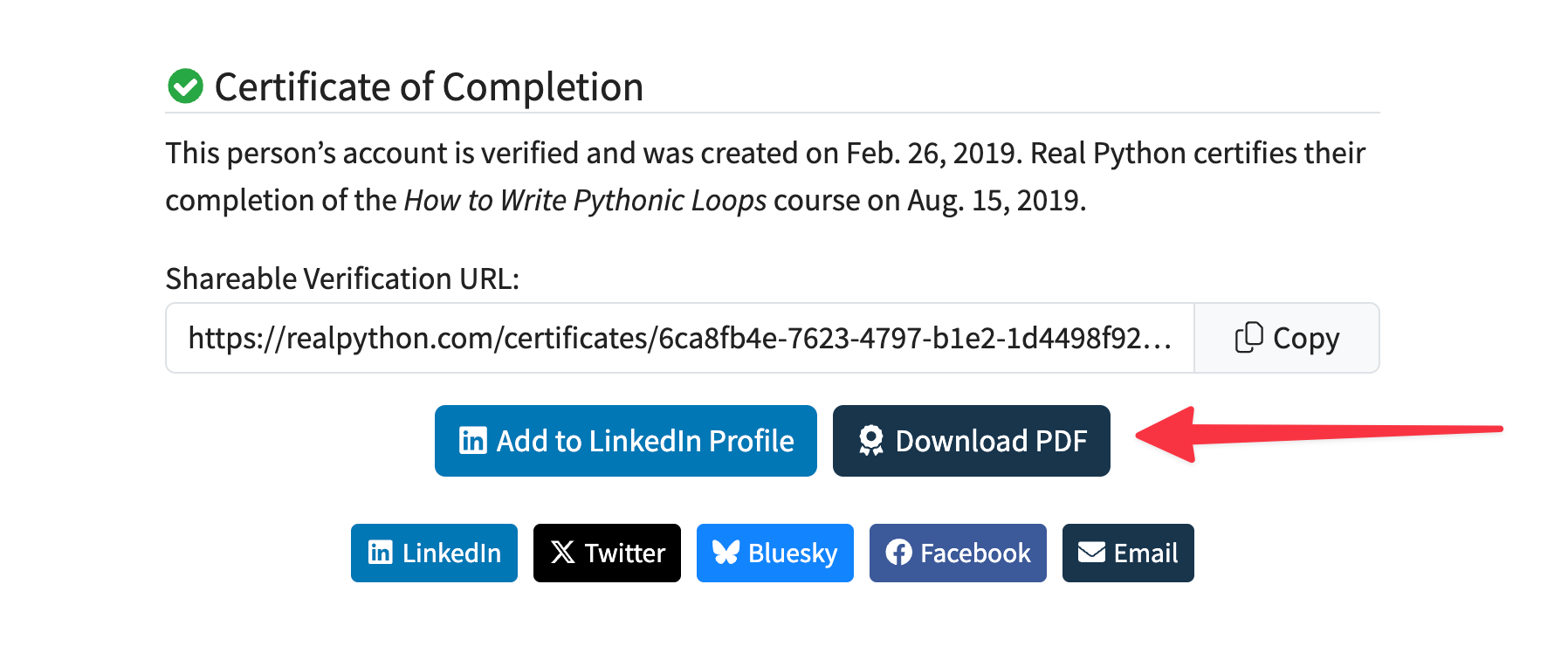
On the certificate page, click the Download PDF button below the shareable verification URL:
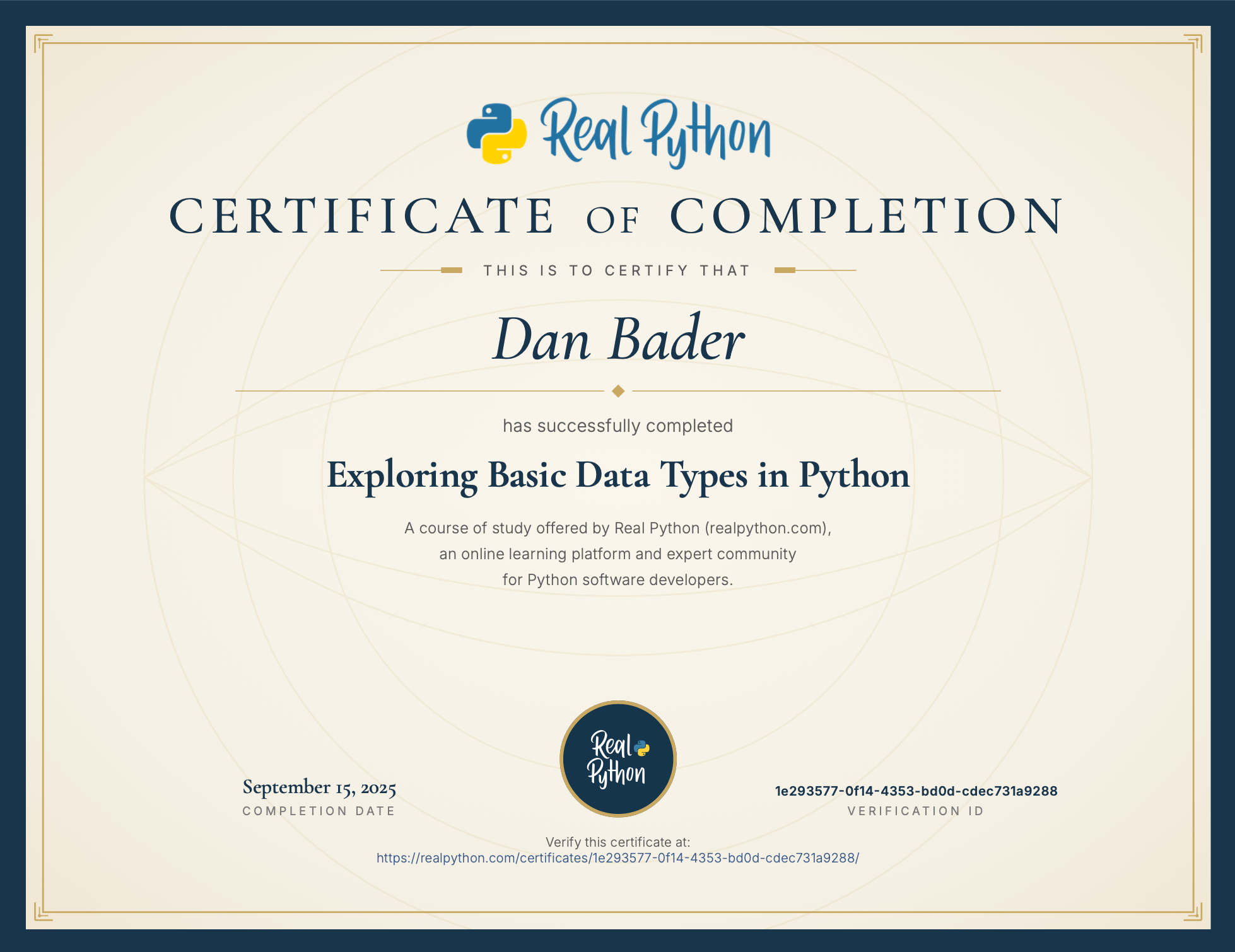
Your browser will download a PDF copy of the certificate. It shows the same information as the online version: your name, the course title, the completion date, and a verification ID with a link that anyone can use to confirm the certificate is genuine:
The certificate shows the first and last name from your account settings. If you'd like a different name on the PDF, see How to display a different name on your Completion Certificates, then download the PDF again.